BlackHawkHardwareLast updated: 06/16/2026
BlackHawk Buttons
The two buttons on the BlackHawk — the power button and the panic button — and what each one does.
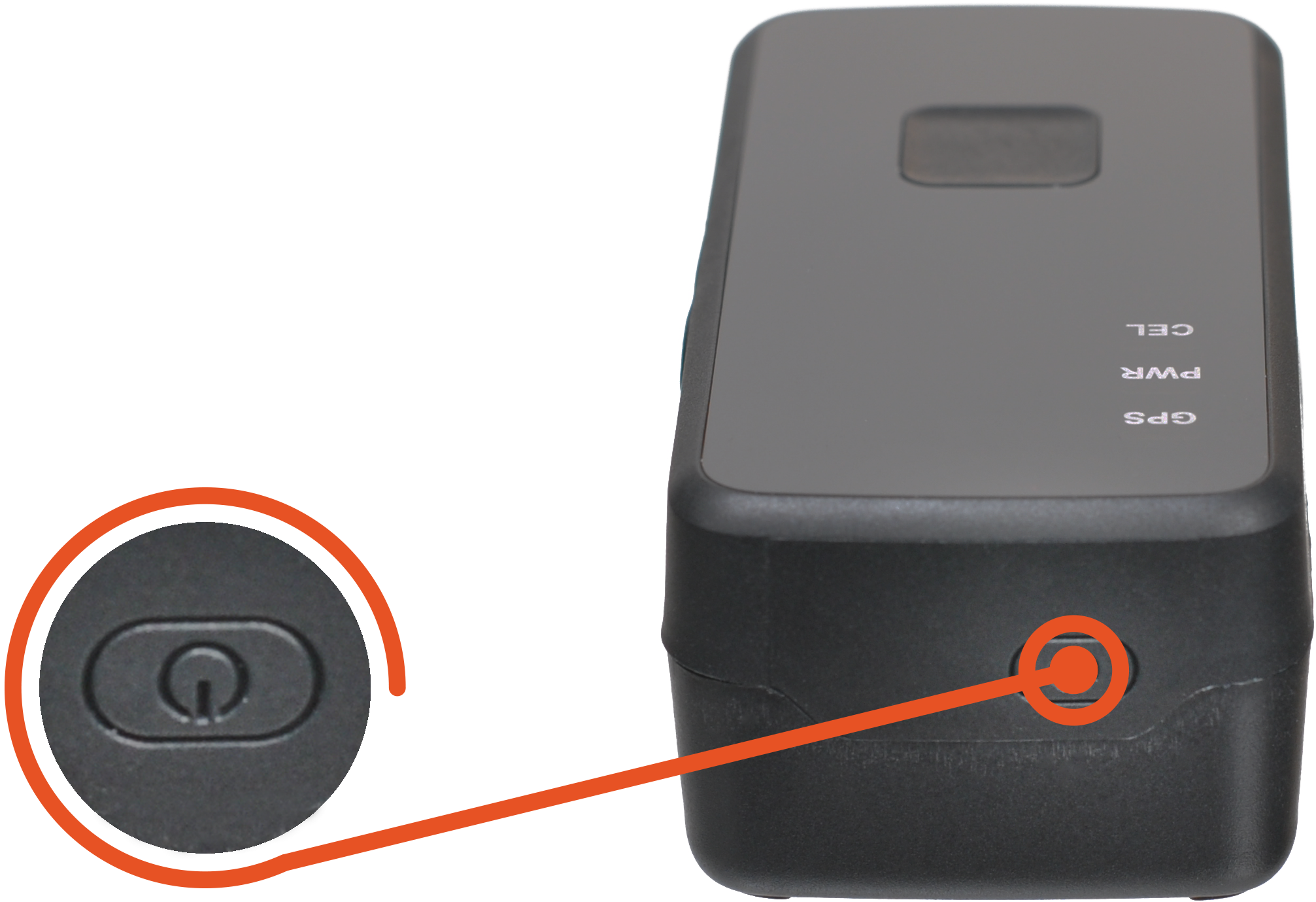
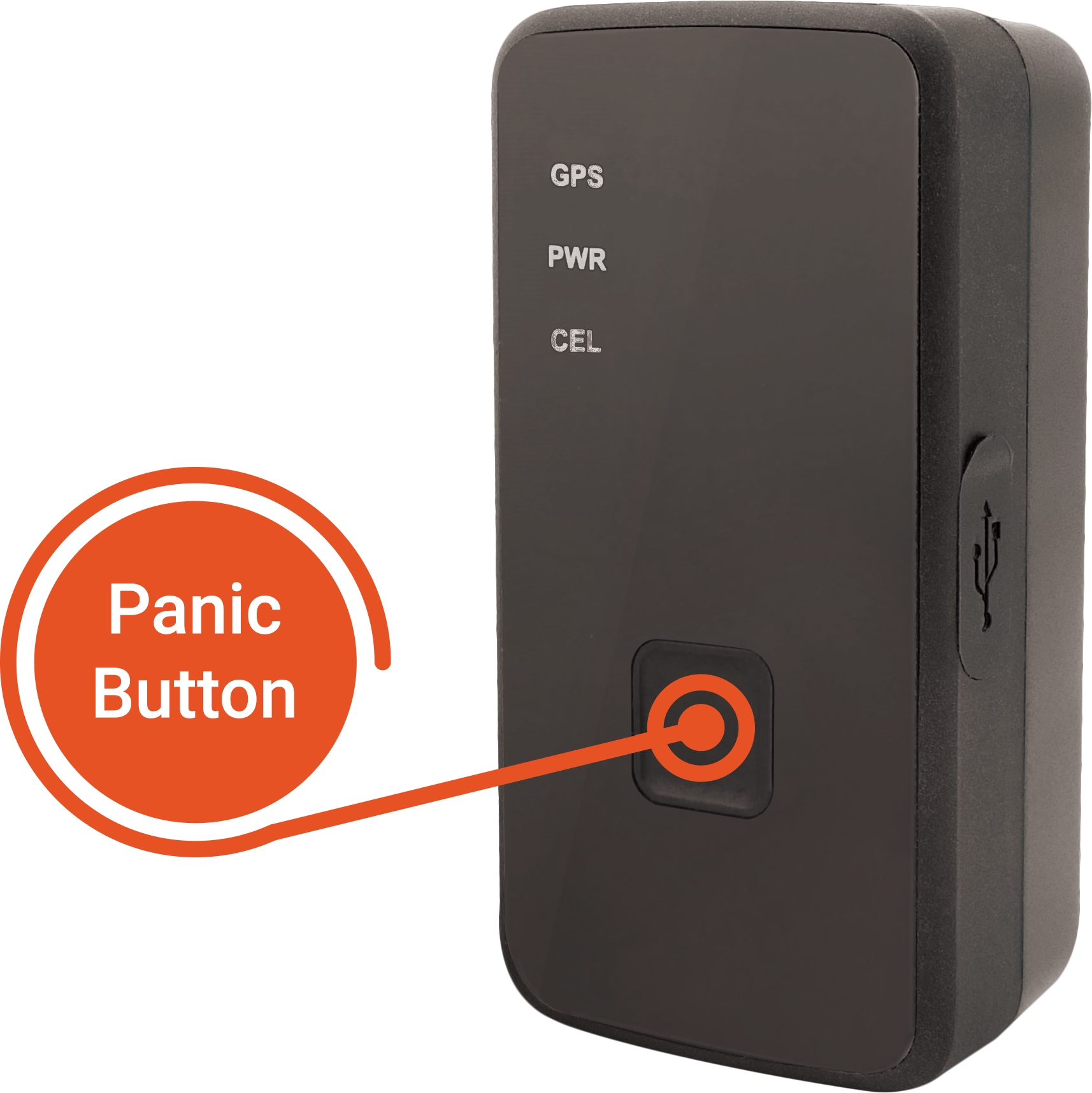
The BlackHawk has two buttons, the power button, and the panic button.
Power Button
Panic Button
1
Power Button: The power button will power the BlackHawk on or off. To power on, hold the power button until you see lights turn on. To power off, press and hold power button until BlackHawk vibrates. Lights may continue to flash for up to 3 minutes prior to powering off.
2
Panic Button: The panic button, located on the front of the BlackHawk, is used to send a location report immediately. To activate the Panic Button press and hold the button until BlackHawk vibrates.
Was this article helpful?
That’s Great!
Thank you for your feedback
Sorry! We couldn't be helpful
Thank you for your feedback
Feedback sent
We appreciate your effort and will try to fix the article